New functions and updates in the bluepos® system
bluepos® 2.8.0
Cash register reporting with bluepos®
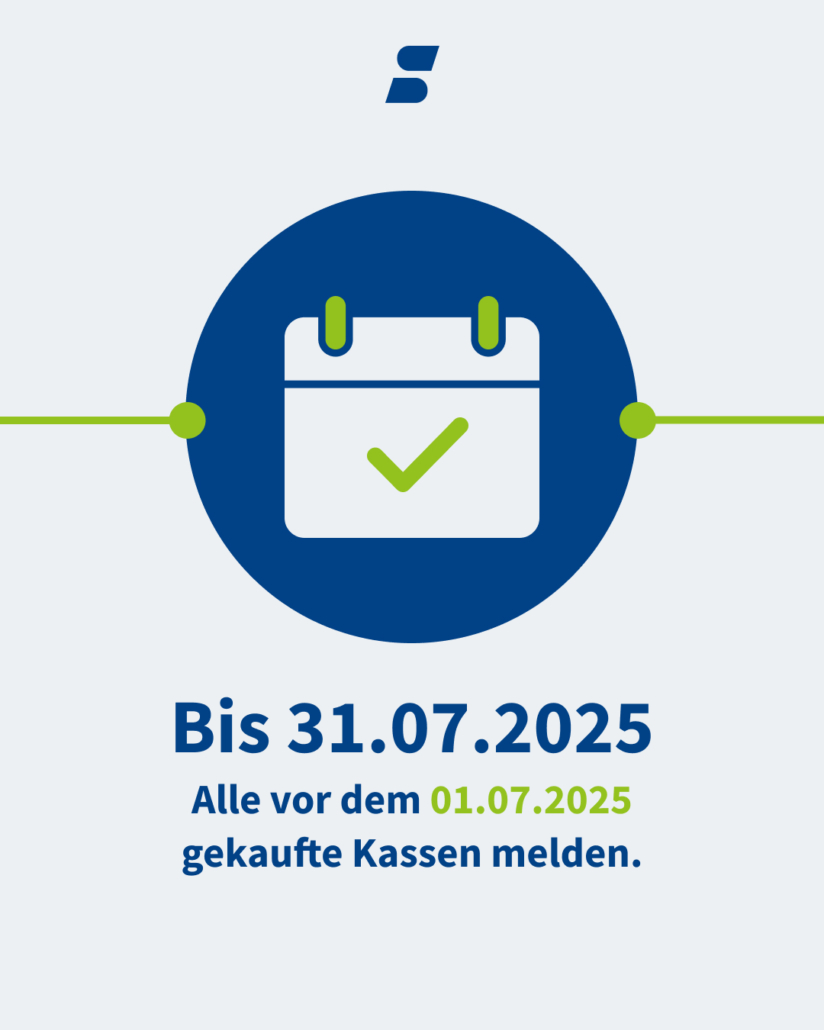
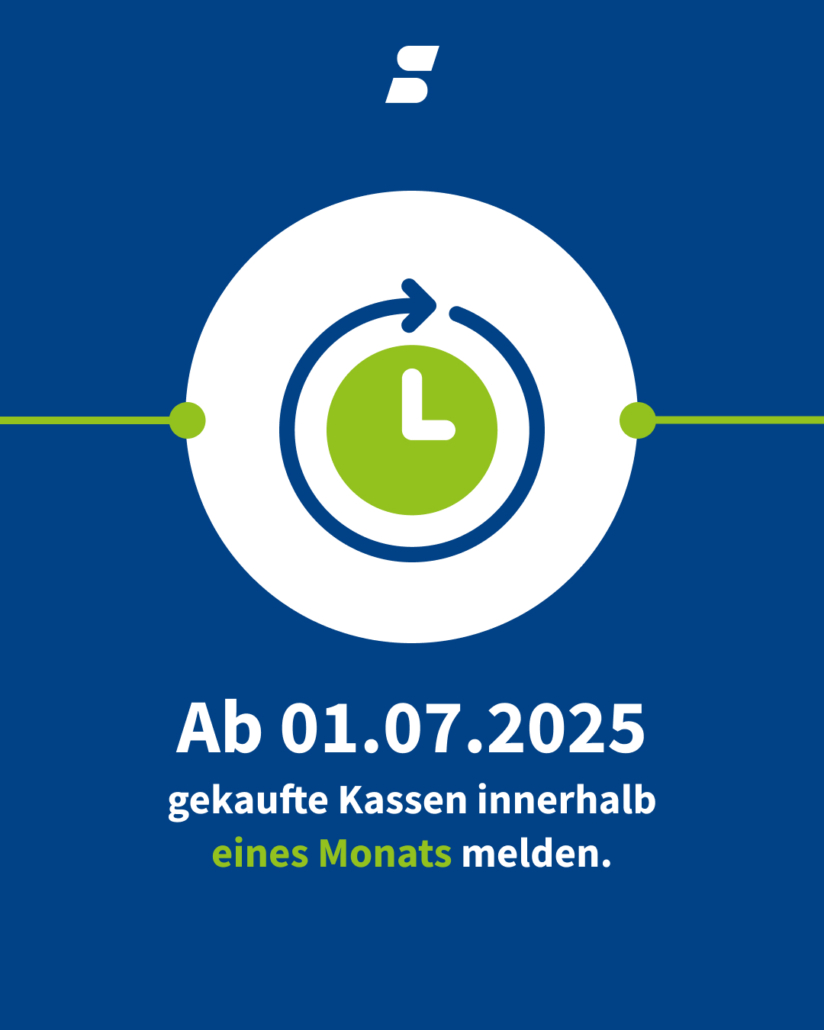
The reporting procedure for cash registers in accordance with Section 146a of the German Fiscal Code starts in 2025. According to this, all new cash registers purchased by 30.06.2025 and all existing cash registers must be reported to the responsible tax office by 31.07.2025. Cash registers that are put into or taken out of operation from 01.07.2025 – the latter only if reported in advance – must also be reported within one month.
Straightforward digital cash register reporting
With a current bluepos® POS system, this report can also be easily made digitally. Your bluepos® cash register supports you in reporting with many helpful wizards and consistency tests. If set up correctly, the program also displays all data relevant for cash register reporting in network systems. When creating interim reports, the program already recognizes whether a report is required in accordance with §146a AO. If this is the case, a note is made in the e-journal and in the financial report. In addition, a notification is created max. once a day if report-relevant master data has been changed. If report-relevant master data has been changed, the cash report can be exported after the subsequent daily closing. The subsequent report can be generated by bluepos® as a fully automatic report via an interface to DATEV-Mein Fiskal (license required. From 01.01.2025 at the earliest, after release of the function by DATEV) or semi-automatically via an XML message file for import into ELSTER.

Updates at a glance
Further innovations and changes
bluepos® 2.7.2
Program “bluepos mobile (200)”
- The “Change device options” dialog now shows which cash register the mobile was last logged in to. The additional fields “Last login” and “Last cash register” have been implemented for this purpose.
Single order receipt with EDP printer
- For compact Windows POS systems with integrated receipt printers, these are connected as EDP printers in bluepos® using the Windows driver and can be configured as order receipt printers. If a corresponding edit style is selected (e.g. “Standard single receipt 42”), single receipt printing is now also supported.
Process list
- It is now possible to automatically update the context keys in the transaction list. For this purpose, the local option “Auto refresh task list” has been implemented, which is set to 0 by default (which corresponds to the previous behavior). The following setting is possible
Ordering system
- The system checks whether the options for “Pre-order creation possible”, “Pick-up creation possible” and “Delivery creation possible” are set. The context buttons for pre-order, delivery and collection times are then displayed according to the options set.
- “Set order status with time”: After selecting the next status, a compact dialog for selecting the time is displayed, similar to the order info dialog. The (new) time is also transferred to the external provider.
- The following display options have been added to the order widget in the layout editor:
- Display: Open and completed orders separately (default setting)
- Display: Open and completed orders together
- Filter: Show all orders (default setting)
- Filter: Only display orders for the operation when it is open
- If all orders are displayed together, they are sorted as follows:
-
- First all open orders, newest first
- Completed orders where no final status has yet been set, latest first
- Completed orders with final status, newest first
bluepos order-gateway
- New option “Use long article names” implemented, which is not activated by default. If activated, the
is used for the article upload, if available. If this is not available, is used for the upload. - Support for service calls has been implemented (currently only QSignal/Ordermaxx). Notification via messages/pagers is also possible without a service call license.
Reports
- Monthly and annual reports can now also be triggered automatically by a daily closing. A new option has been implemented for this purpose, which can be used to trigger automatic generation. If these are activated, an automated monthly or annual report is generated following a daily closing, which ends for the first time in the following month.
bluepos® 2.7.3
Changes to the Pepper driver
bluepos® 2.7.4
Customer signature for non-cash and credit/transfer financial channels
- If the new “Customer signature” option is activated in a non-cash or credit/transfer payment method, the customer signature is requested via the fax function for every transaction in this payment method. The following adjustments have also been made as part of the implementation:
- The existing option “Transfer signature also at cash desk” has been renamed to “Financial transaction signature also at cash desk”.
- When an invoice is recalled, the signatures of the canceled financial channels are no longer transferred, which was previously the case.
- All signatures are printed on the invoice. So far, only one signature is supported.
Takeover of customer assignment for split
- A new option “Customer transfer method” has been implemented, which allows an existing customer assignment to be transferred to a split target. The following settings are available:
- (0) Do not transfer customer during split: Default setting, an existing customer assignment is not transferred to the split target. Also applies to the conclusion from the split dialog.
- (1) Transfer customer during split: An existing customer assignment is transferred to the split target. Also applies to closing from the split dialog.
- Note: An existing customer assignment in the split target is overwritten without further inquiry.
bluepos pay
- If the ISO code for the currency was not entered, the misleading error message “No connection to the payment service provider.” was displayed during the payment process. The error message “Incomplete configuration: The ISO code of the primary currency is not set” is now displayed.
- If a payment license cannot be retrieved due to connection problems, the error message “Insufficient license for the selected payment service provider” used to appear. The error message “Connection error when retrieving the license for the selected payment service provider online. Payment not possible.” is displayed.
Interim invoice
- If the option “No booking by AEO possible” is activated, it is no longer possible to merge an operation/table if one of the two already has an AEO.
SO’USE
- The info text stored in the WAWI tab is now also sent to SO’USE when the article master data is transferred.
- The option “Always adopt table number” has been implemented. If it is activated, the table number is also transferred to bluepos® for pick-ups.
Tour list
- The “Archive open tours” option has been implemented. This is activated by default and thus corresponds to the previous behavior. If the option is not activated, open tours are not deleted at the end of the day and can also be delivered the next day, for example.
Reports
- The monthly and annual reports have been expanded to include the export function, which is already available in the report archive.
End of day
- The time that is waited at the end of the day for open transactions to be closed has been increased from 1 to 5 minutes so that longer payment processes in bluepos mobile are not affected.
Financial channels for third-party payments
- When setting payment methods for external payments, the system now checks that these are unique. If a selected payment method is already in use, the selection is reset with an error message.
Subsidies” program
- The “monthly” interval has been added to the subsidies. Maximum entries refer to the current month.
Printer
- The Partner RP-110 thermal printer is supported. It can be connected via V24, USB or Ethernet
Mergeport / order-gateway
- The “Export article to file” button has been implemented. This can be used to export article master data as a JSON file.
- If specified, guest information is now taken over for in-house orders. This includes the following information:
- firstName
- lastName
- middleName
- phone
- comment
Service call (94)” program
- It is now possible to set up external API calls as signaling.
- The external API calls must be specified as HAR-Json (Http-Archive), which is an export format that is supported by many Http clients such as Postman and also by Firefox.
- Replacements are possible in the body for API calls, such as area name and service call text.
OrderApi
- In the case of table orders, any information text is now displayed in the invoice/order receipt.
- Order information can now be displayed in the offsetting window and printed on order receipts.
bluepos® 2.8.0
Cash report according to §146a AO
- The following changes have been implemented for cash reporting in accordance with §146a AO:
- Extension of the entry of company data
- The consistency test ihas been supplemented by a check of system data that is relevant for cash register reporting.
- New peripheral module “Network system (26)” in the programming, which can be used to activate and deactivate cash registers known to the system. The program also displays all data relevant to the cash register message.
- When an interim report is created, it is already recognized whether a report in accordance with §146a AO is required. If this is the case, a note is made in the e-journal and in the financial report. In addition, a notification is created max. once a day if master data relevant for reporting has been changed.
- If report-relevant master data has been changed, the cash report can be exported after the subsequent daily closing. The relevant closings in the bluepos® closing archive are marked with an export arrow. The following exports have been added to the closing archive and my.bluepos®:
- Notification according to §146a AO: Creates an XML file (in a zip archive) which can be uploaded to ELSTER.
- DFKA taxonomy cash report: Creates a JSON file (in the zip archive), which can be uploaded to DATEV MeinFiskal.
- Automatic upload of the DFKA taxonomy cash report to DATEV MeinFiskal if the DATEV MeinFiskal access is configured accordingly.
- Note: The automatic upload of the cash report will be possible from 01.01.2025 at the earliest, after the function has been released by DATEV.
- In the taxonomy and DSFinV-K export, “SCHULTES Microcomputervertriebs GmbH & CO. KG” is set as the manufacturer (KASSE_BRAND). A combination of hardware brand and hardware model is entered as the model (KASSE_MODEL), analogous to the notification according to §146a AO.
- A warning widget is displayed in bluepos for cash registers that are not activated, marked for decommissioning and decommissioned.
- The option to reset connected systems has been added to the “DataClear” function. The option is not activated by default.
- The “Database import” function has been supplemented by the option to transfer connected systems. If these are not to be transferred, only the current cash register is activated.
- If the checkout is activated or deactivated, orders via the OrderApi are rejected with a corresponding error message.
Database connection wizard
- The new “Connection Wizard” for databases has been implemented.
Change preset per operator group
- The new option “Individual change input required” has been added, which is not activated by default. If the option is activated, it is mandatory for all operators assigned to this group to enter the change specification after a daily closing. No registrations are possible before this.
Billing customers with discount
- The discount stored with the customer is taken into account during the automatic settlement of open customer balances at the end of the day.
SO’USE
- In SO’USE Portal it is possible to create “custom fields”, which require additional input from the user. These are now also transferred to bluepos® in the order.
- The edit styles have also been expanded to include the new field, which is available for offsetting, order receipts and invoices. The field is already included in the Default-Summation, Default-summation-bon and Default-Invoice edit styles.
Voucher tracking
- The “Redemption from” and “Redemption until” filters have been added to the voucher tracking function. The filter recognizes when a partial or complete redemption, cancellation or redemption has been made within the specified interval.
- The “VAT rates” filter has also been added to the voucher tracking function. The entry “without” corresponds to the allocation of multi-purpose vouchers, as these have no allocation.
E-mail dispatch from the closing archive
- The export dialog in the closing archive (incl. monthly and annual reports) has been expanded to include the function for sending emails. The export destination can now be changed from “Local file” (default setting) to “E-mail”. An e-mail address and a password for the ZIP archive can be entered in the input fields that open. Sending always takes place in a ZIP archive.
- In addition, a default value for the e-mail recipient and the password can be assigned in P31.15.
- Note: A password entered here can still be changed in the export dialog. The field must not be empty.
Export for monthly/annual reports
- Possibility of automatic exports for monthly and annual reports. These are triggered by:
- Display of monthly or annual interim reports
- Closing of a month or year when the month or year is complete.
Printer
- The Sewoo SLK-TS100 thermal printer is supported. It can be connected via V24, USB or Ethernet.