New functions and updates in the bluepos® system
Service call module
Extended call management (signaling, processing, escalation and much more)
Service calls are a good way to increase sales with fewer staff. It is important for every guest to be able to place their order requests, and for the operator of
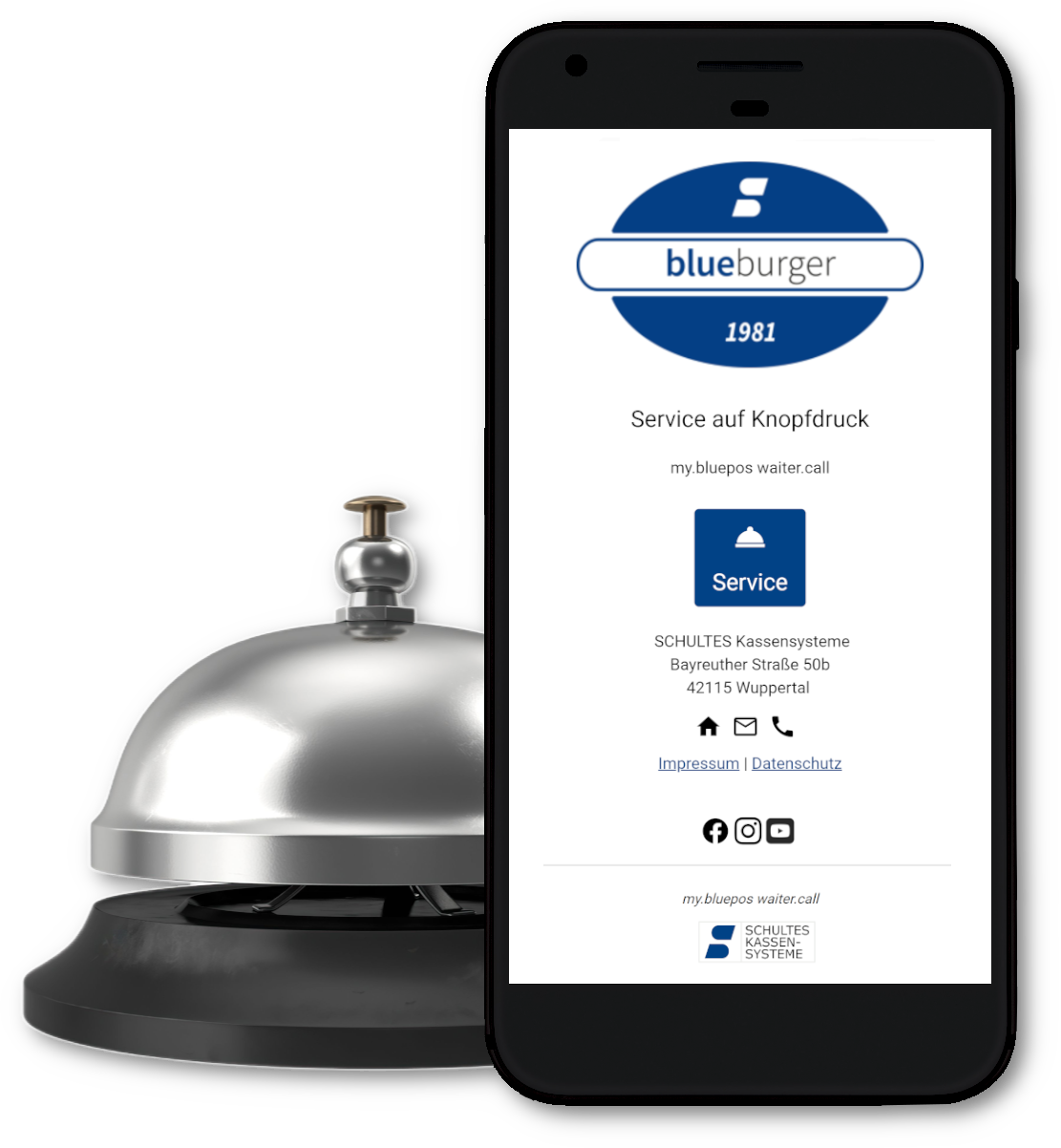
gastronomy it is important that no guest request is lost because this reduces turnover. For some time now, the bluepos® POS system has offered a wide range of options for guests to place a service call with my.bluepos waiter.call, digital ordering systems or pager connections such as ratiotec-connect. With the new service call module, we have once again significantly expanded the interaction between the various call systems in bluepos®.
Control service calls from different sources with various configurable call destinations and diverse signaling such as messages, tones, print jobs or visual markings on the desk plan. Of course, service calls can also be linked to pager systems or targeted push messages to bluepos® mobile. Thanks to the new service call widget, your employees always have an overview of all open and past calls. With intelligent escalation management, you can also ensure that no call is overlooked.
bluepos® 2.6
Innovations
- Support Pepper Version 23
- Support for additional printers
- Territory handovers for working time recording
- Manual master data upload to my.bluepos®.
- New operator options
- Optimizations in the Windows setup incl. driver selection
- Support for PostgreSQL 16 (BETA)
- SO’USE interface improvements
- New energy-saving settings and automatic logout when inactive
- New report exports (invoice list, voucher list, payment list for invoices)
- Improvements to invoice / receipt printing and output of the my.bluepos® e.receipt
- Extension of the character library for cash register programming
- and much more.
For further details on the new features and changes, please refer to the respective version information.
Updates at a glance
Further innovations and changes
bluepos® 2.5.3
Innovations and changes
-
Quantity dialog
- Optimizations for displaying the quantity dialog in dependencies of multiplier and, if necessary, input constraint
-
Notification
- Various options for notification behavior for incoming orders, waiter calls and table assignments.
-
Table reservations
- The list printout for table reservations has been adapted/extended
-
Hotel interface
- The option “Export area ID instead of till no.” has been implemented for the Protel KasBig and WINHOTEL.MX interfaces. If this is activated, the area ID is transferred in the T-data record instead of the till number.
-
ServiceDebitApi
- Regular prices at the end of offsetting are now also transmitted.
- Note: This requires a PCKasse version that also supports this adjustment.
- The timing of the license check for invoice cancellations has been improved
bluepos® 2.5.4
-
Split mode
Various adjustments and improvements in split mode
bluepos® 2.6.0
Innovations and changes
Pepper driver
- Update to Pepper version 23
Service call (94)” program
- The “Service call (94)” program has been added to the operator and group programming.
Printer
- The “Seiko (SII) RP-F10” printer is now supported. It can be connected via USB or Ethernet.
- The “Epson TM-T88VII” printer is now also supported. It can be connected via V24, USB or Ethernet.
Addimat lock
- The Addimat lock can now be explicitly deselected. The additional selection ‘-‘ has been implemented for this purpose.
Territory handover for working time recording
- When working time recording is active, it is now optionally possible to only allow a transfer of territory if the target operator is also logged in via working time recording.
Program “Chip card buttons (27)”
- The S700-CKL previously displayed in the program symbol has been replaced by the TWN4-CKL.
my.bluepos® (90)” program
- The master data upload can now also be triggered manually using the “Upload master data” button. The automatic upload continues to take place
Operator groups (92)” program
- Two new operator options have been implemented:
- No posting after interim invoice: The global option “No posting possible after interim invoice” can now also be set as a user right. If the global option is not set, the user right is automatically checked. The new option is not activated by default.
- No cancelation/WR after subtotal: If this option is set, it is no longer possible to cancel the PLUs charged in the PLU after a PLU has been set using the 30 (cancelation) or 31 (goods withdrawal) keys. This does not apply to PLUs registered after the PLR.
Windows setup
- By default, not all drivers are installed as this takes a relatively long time. Therefore, only the drivers listed below are installed on the system during the initial installation. Additional printer drivers can be installed in P21 as before.
- Bixolon SRP-350II and SRP-350III
- Addimat USB lock
- BIXOLON BCD-1100 (customer display)
- BIXOLON BCD-2000 (customer display)
PostgreSQL 16 (BETA)
- PostgreSQL 16 can now also be selected as the database version during the initial installation under Windows in the advanced settings (default setting: version 9.1). An update of existing installations is not possible, here the selection of PostgreSQL 16, if set, is reset to version 9.1.
- Note: Version 1.11 of PCKasse is required when using PCKasse. Previous versions are not compatible with PostgreSQL 16.
SO’USE
- The new option “Online services blocked” has been added to item assignments. If this is activated, the article assignments are blocked for SO’USE, but not for the checkout.
- If the same communication error occurs 30 times in a row, a message is now generated in the message widget. This contains the error description and the error code. The message is generated a maximum of once every 30 minutes.
- Note: When communicating with SO’USE for the first time (e.g. restarting the cash register or setting up SO’USE for the first time), the error message is displayed immediately.
Behavior during inactivity
- To save energy, the new option “Switch off screen when inactive” has been implemented for hardware cash registers.
- The operator can be logged out automatically after a set period of time.
Trainer Operator
- If a trainer is logged in, the taskbar of the cash register is colored red.
Layouts (40)” program
- The layout editor no longer offers a size selection for static tables, these are now fixed to rows/columns.
- Note: If a static table was previously set to “Target size”, this is automatically changed to “Rows / columns” the next time the properties are edited.
EKaBS export
- In EKaBS exports, the payment method name is used for the payment description. If the payment method name is not set in the transactions, the receipt long text is still exported. Previously, the receipt long text of the payment method was always used here.
Report export
- Three new report exports have been implemented:
- CSV invoice list: Field list INVOICE;VOID_REFERENCE;TIMESTAMP;NET;% VAT;VAT;TOTAL;Z_REPORT
- CSV document list: Field list RECEIPT;INVOICE;VOID_REFERENCE;TIMESTAMP;NET;% VAT;VAT;TOTAL;TURNOVER;Z_REPORT
- CSV payment list for invoices: Field list INVOICE;VOID_REFERENCE;TIMESTAMP;PAYMENT_TYPE;CARD_TYPE;CARD_TYPE_ID;AMOUNT;FOREIGN_AMOUNT;FOREIGN_CURRENCY;Z_REPORT
Voucher Campaigns (16)” program
- The initialization type “Pre-creation, separate activation” can no longer be selected. “Activation and print on creation” is always set.
TIP if the option “No booking to AEO possible” is set
- If the option “No booking to AEO possible” is activated in P31.10, it was previously not possible to enter a TIP either by overpayment or by direct entry. The behavior has been changed so that if this option is set, it is now possible to enter a TIP, both by overpayment and by direct entry.
Invoice/receipt printing
- The new option “Manual invoice/document printing only” has been implemented in the printer assignments. If this is activated (not active by default), the selection of the primary and secondary printer and the selections “No print” and “Email” are skipped during the invoice closing process.
e.bon
- If the e.bon is the only print option and the “Provide e.bon automatically” option is activated, a waiting dialog will no longer be displayed. The upload process runs in the background and no longer interferes with the rest of the workflow. The previous waiting dialog is no longer displayed. In addition, error messages are displayed via the message widget so that they no longer hinder the workflow.
- Note: The wait dialog is only omitted when the QR code is displayed on a rear display. When displayed in the cash register or in bluepos mobile, the wait dialog is still displayed.
Program “bluepos pay (204)”
- The following new options have been implemented for bluepos pay
- Print customer receipt: If this option is activated, a customer receipt is printed. The option is activated by default.
- Note: This option only has an effect on printing, not on the e.bon. The customer receipt is always provided there.
- Block Re.-Cancellation: If this option is activated, an invoice paid with bluepos pay can no longer be canceled or recalled. A corresponding error message appears. The option is not activated by default.
- Print customer receipt: If this option is activated, a customer receipt is printed. The option is activated by default.
End of day
- If the cash register detects data errors during daily closing, a corresponding warning is issued to the user. As daily closing is also processed via the background service without an operator being logged in, the warning is now sent to the messaging system in this case. This means that the error message is available to the next logged-in user with P1 rights and in my.bluepos®.
Fidelio hotel interface
- The Fidelio interface has been supplemented with the option “Editstyle voucher display in export”. An edit style can be set here which is to be used for the voucher view to be transferred. The data record is sent in a separate data record directly after the previous document transfer.
FontAwesome
- The FontAwesome character library has been updated to version 6.5.1, making additional icons available in the cash register programming.
- The selection menus for FontAwesome characters have been expanded to include the character names and a search for the same.
Allgäu Walser Card
- Multiple cards per guest are now supported.
Clock module in PLUS hardware cash register
- When setting the date/time, the time difference is now determined for both clock modules. The larger deviation is then used to determine whether the hardware clocks need to be set.