Where can I find my serial number?
How do I get my license file?
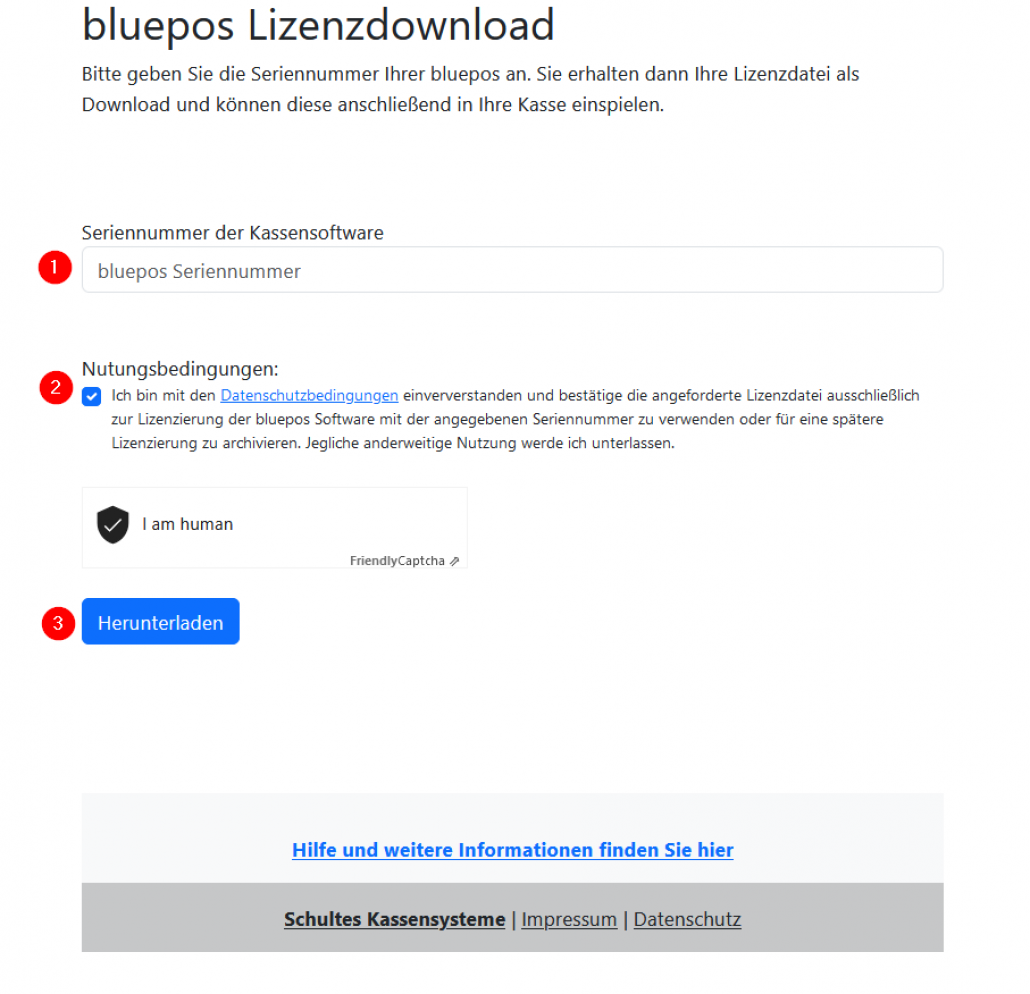
You can download your personal bluepos® license file from our license portal by entering your serial number and then import the individual file in *.dgl format into your bluepos® cash register.
Alternatively, the license file can be provided by your cash register dealer.
Please note that you must use a newly created/downloaded license file and not an older or locally archived file.
New license files usually contain a timestamp in the file name (e.g. “Serial number_YYYYMMDThhmmss.dgl”).
Related topics
Link to: Lizenz aktualisieren
How do I update my license?
Follow a manual added link
How do I get my license file?